Paying for premium graphic design software, such as Adobe Photoshop, can get quite pricey. For individuals starting out with just a casual interest in graphic design, it may not be worthwhile to invest in industry standard software. Below are some great free alternatives.
Photo manipulation software
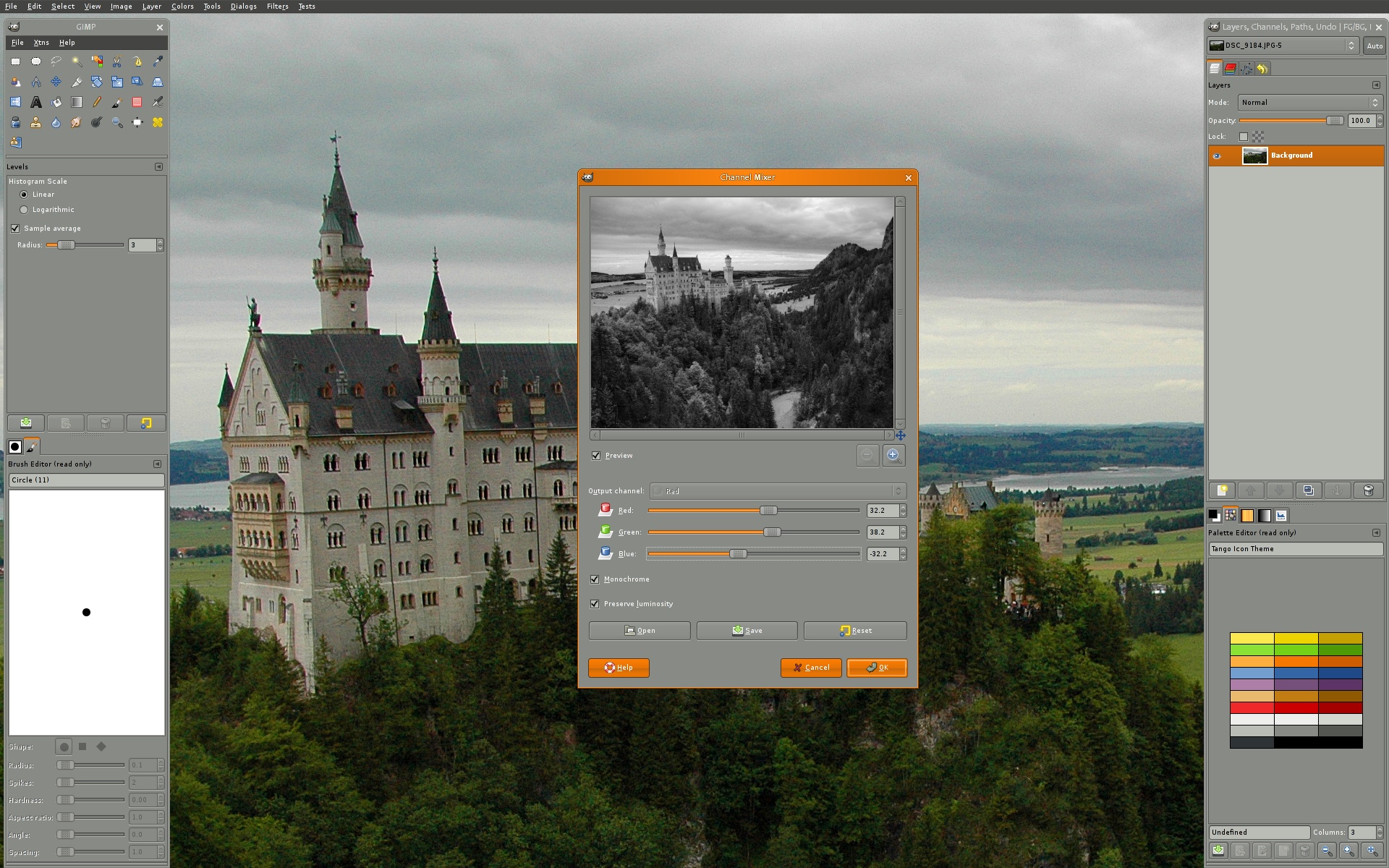
GIMP: a free image manipulation program for photo retouching, image composition and image authoring. Currently, it is probably the best free alternative to paid software like Adobe Photoshop.
Pixlr: a free, online photo editor tool that lets you quickly crop, rotate, and fine-tune any picture. Works pretty similar to Adobe Photoshop, but has fewer features.

PicMonkey: A free, online photo editing tool that allows you to add filters, frames, text, and effects. However, some additional elements (such as additional fonts) may require payment.
Image annotation software
Szoter: a free, online image annotation tool. After uploading the screenshot or image, you can add arrows, text, outline boxes, and other markup elements. Note that, after saving and exporting, a watermark will appear at the bottom of the image; however, this can be removed with a simple crop.
Print and digital publishing software
LucidPress: a web-based drag and drop publishing app for creating print and digital content. A free alternative to Adobe InDesign.

 Simple Design